Everything You Need to Run Your Shop
Offline POS Counter Billing
Scan barcodes with your phone camera, create receipts in seconds, and sell items even when internet is down.
Customer Credit Ledger (Khata)
Record customer udhar/borrowed balances, log repayments, and send automatic WhatsApp reminder statements.
Bluetooth Thermal Printing
Works seamlessly with any 58mm or 80mm wireless thermal printer. Print receipts with your custom shop name and logo.
Multi-Device Cloud Sync
Real-time automated backups safeguard your customer balances and sales data so you never lose records.
5 Regional Languages
Available in English, Urdu, Arabic, and more so you and your counter staff feel right at home.
PDF & Excel Statements
Export professional sales reports, customer balance sheets, and tax summaries in one tap.
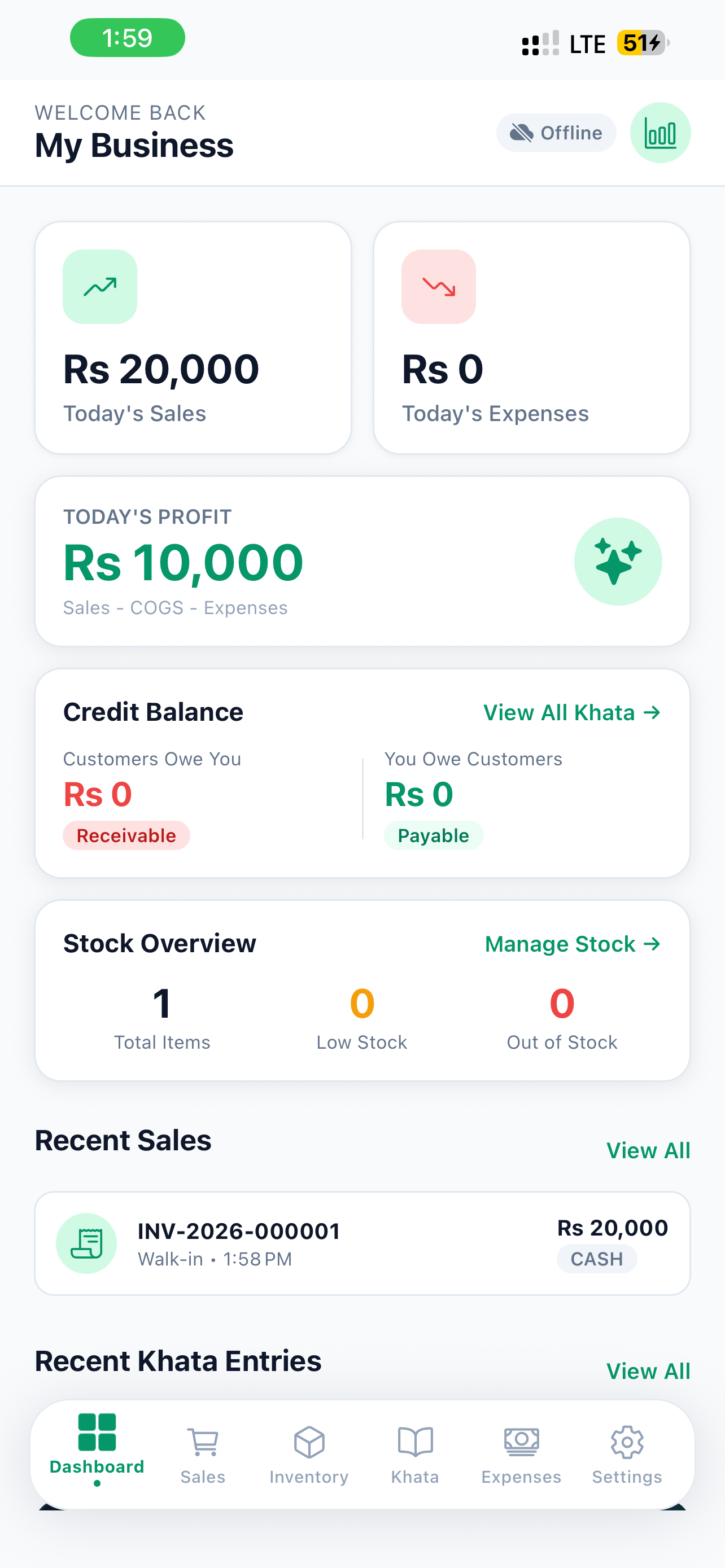
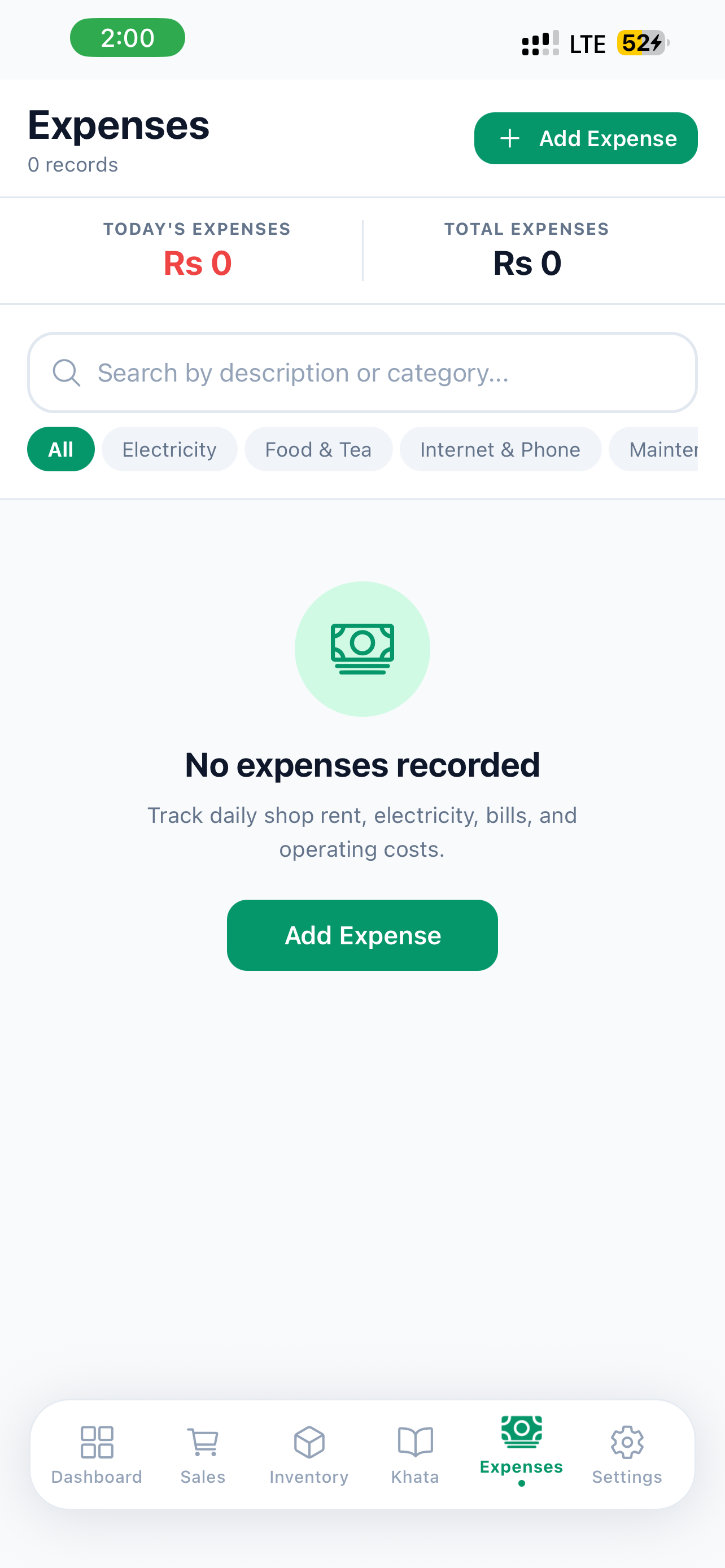
App Preview & Interface
Information & Requirements
| Application | MobixKhata |
| Android Version | Android 6.0 and higher |
| iOS Version | iOS 13.0 or later (iPhone & iPad) |
| Download Size | ~28 MB |
| Price | Free to Download |
| Offline Capability | 100% Offline (Optional Cloud Sync) |
| Languages | English, Urdu, Arabic, Hindi, Bengali |
| Developer | MobixKhata Software Inc. |
Frequently Asked Questions
Yes, MobixKhata is 100% free to download on both Google Play Store and Apple App Store. The core POS billing, customer Khata ledger, and local transaction features are completely free.
Yes! MobixKhata is built offline-first. You can record sales, add customers, print Bluetooth thermal receipts, and check inventory with zero active internet connection. All data saves safely on your phone.
Simply turn on your 58mm or 80mm ESC/POS thermal printer, turn on Bluetooth on your phone, open MobixKhata Settings > Printer, tap 'Scan & Connect Printer', and select your printer. It connects in seconds.
With cloud sync enabled, your entire business ledger, customer balances, and product catalogs are backed up to secure cloud storage. Simply log into your account on your new phone and your data will restore instantly.
Scan to Download on Phone
Open your phone camera and point it at this QR code to download MobixKhata directly on your phone.