Explore step-by-step Bluetooth printer setup guides, troubleshooting tips, or get in touch directly with our support team.
MobixKhata supports standard 58mm and 80mm wireless ESC/POS Bluetooth receipt printers.
0000 or 1234).Facing an issue with your printer, sync, or subscription? Let us know below.
Watch our official video tutorials showing how to configure your Bluetooth printer, make rapid sales, manage customer credit ledgers, and track store expenses.
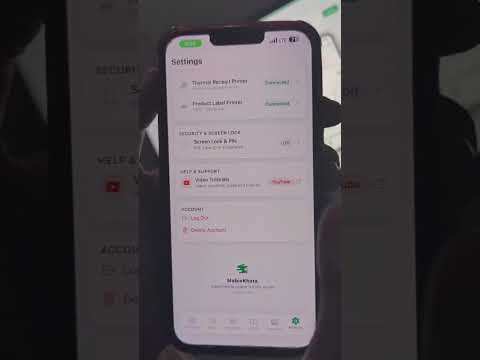 Overview
2:00
Overview
2:00
Discover how MobixKhata transforms your mobile device into a high-speed offline POS counter and customer bookkeeping tool.
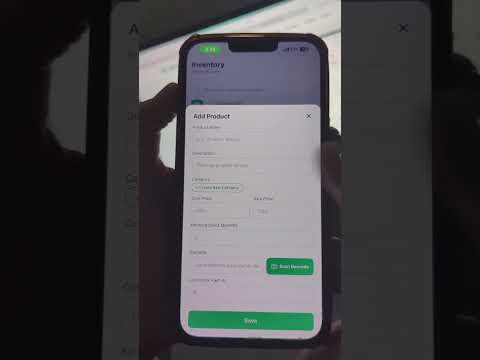 POS Billing
2:15
POS Billing
2:15
Ringing up cart items, barcode scanner checkout, applying discounts, and generating instant 58mm/80mm receipts.
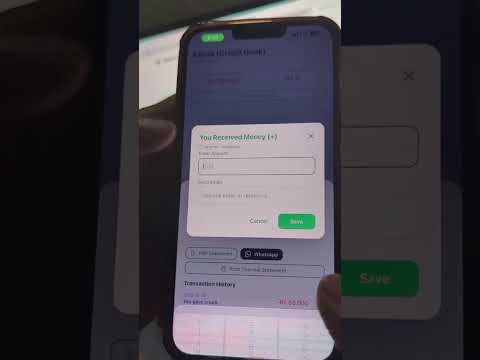 Credit Ledger
3:00
Credit Ledger
3:00
Effortlessly track You Gave and You Got balances, send polite WhatsApp payment reminders, and download PDF statements.
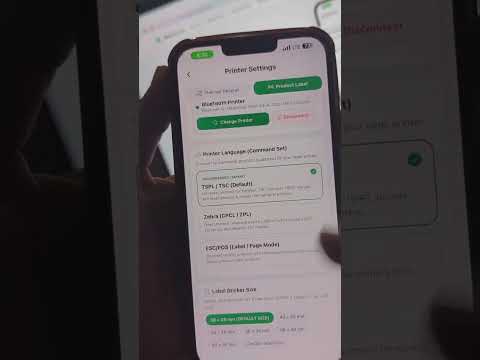 Hardware
1:50
Hardware
1:50
Quick pairing guide for standard 58mm and 80mm ESC/POS wireless receipt printers on Android and iOS devices.
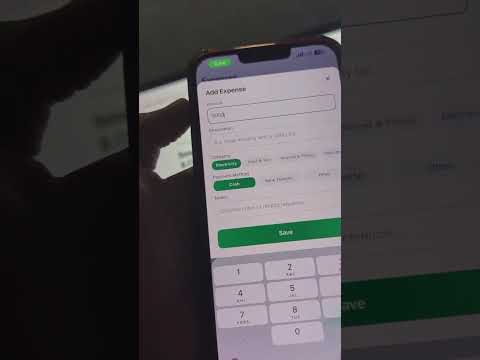 Expenses
1:40
Expenses
1:40
Record daily petty cash, shop rent, utility bills, employee wages, and get exact net profit and loss reporting.
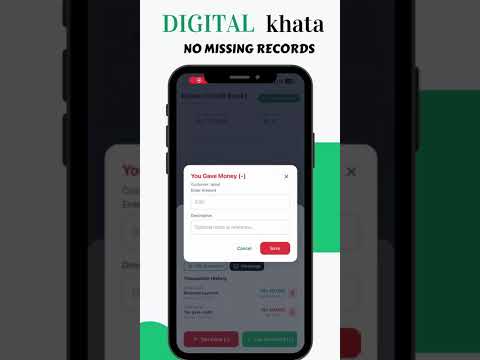 Official Promo
1:05
Official Promo
1:05
See how thousands of modern shopkeepers simplify retail checkout, replace paper notebooks, and scale with cloud sync.
Check out all tutorials, features, and hardware guides on the official MobixKhata YouTube channel.
Open MobixKhata, navigate to Settings → Subscription and tap "Restore Purchases". As long as you are signed in with the same Google Play or Apple ID you purchased with, your Pro subscription will reactivate instantly.
This usually means the printer's encoding character code page is different. In MobixKhata, open Settings → Printer Configuration and verify your paper width (58mm vs 80mm). Make sure your printer supports standard ESC/POS commands.
Nothing is lost! MobixKhata is 100% offline-first. All your sales, stock deductions, expenses, and credit entries are stored safely on your phone's database. When you next connect to Wi-Fi or mobile data, all records sync automatically to the cloud.